Authentication
Before you can use Embedded Wallets in your dapp, you must enable at least one login method. Configure all login methods from the Authentication tab in the MetaMask Developer Dashboard.
Social connections
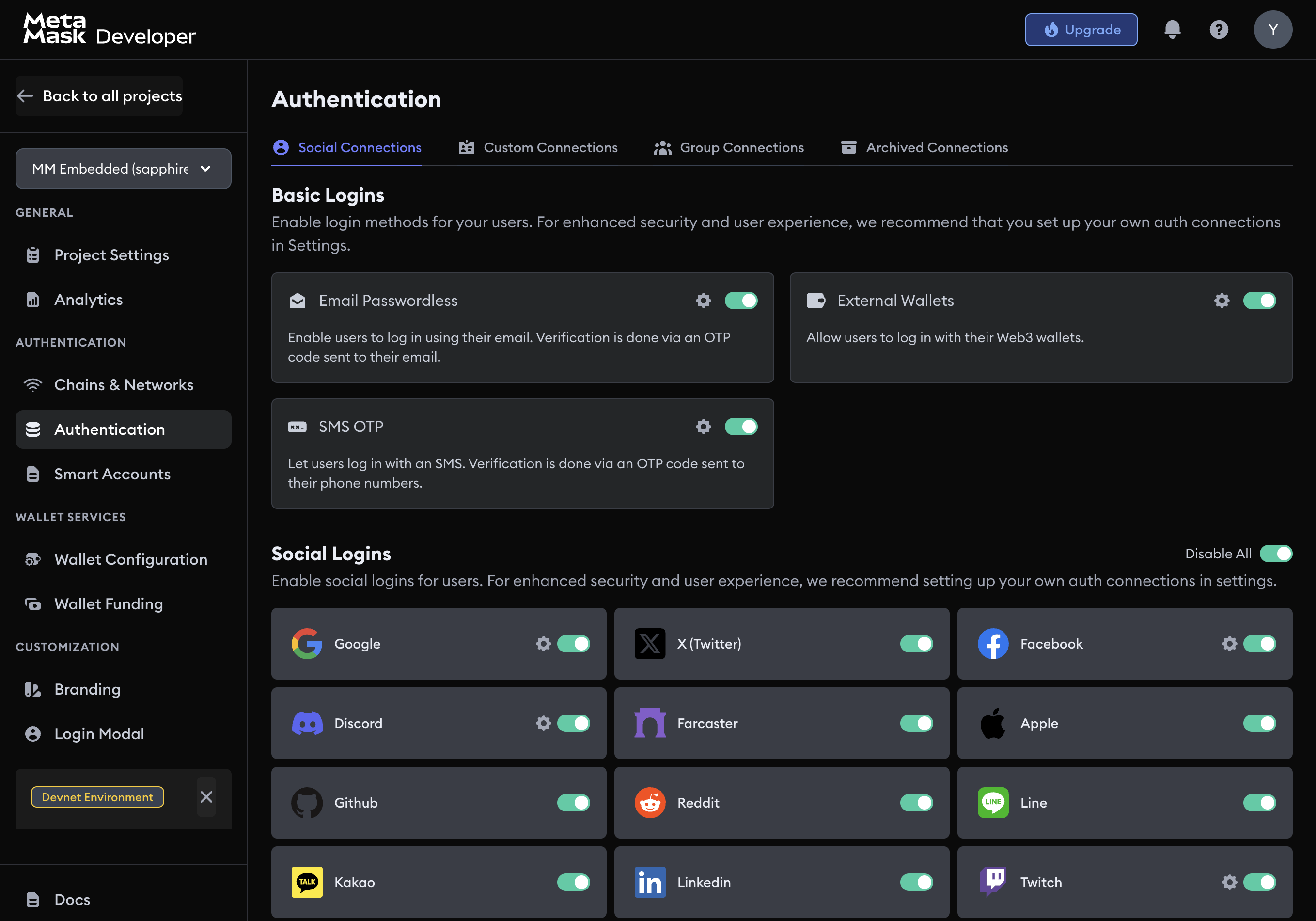
Basic logins
Basic logins cover passwordless email and phone number authentication. Pair them with social or external wallet logins, or enable MFA, so users can recover access if they lose a primary method.



Social logins
Social logins let users authenticate with their existing accounts from popular platforms. Configure each provider individually through the dashboard. Platform-specific guides cover obtaining the credentials (client IDs and secrets) each provider requires.











Custom connections
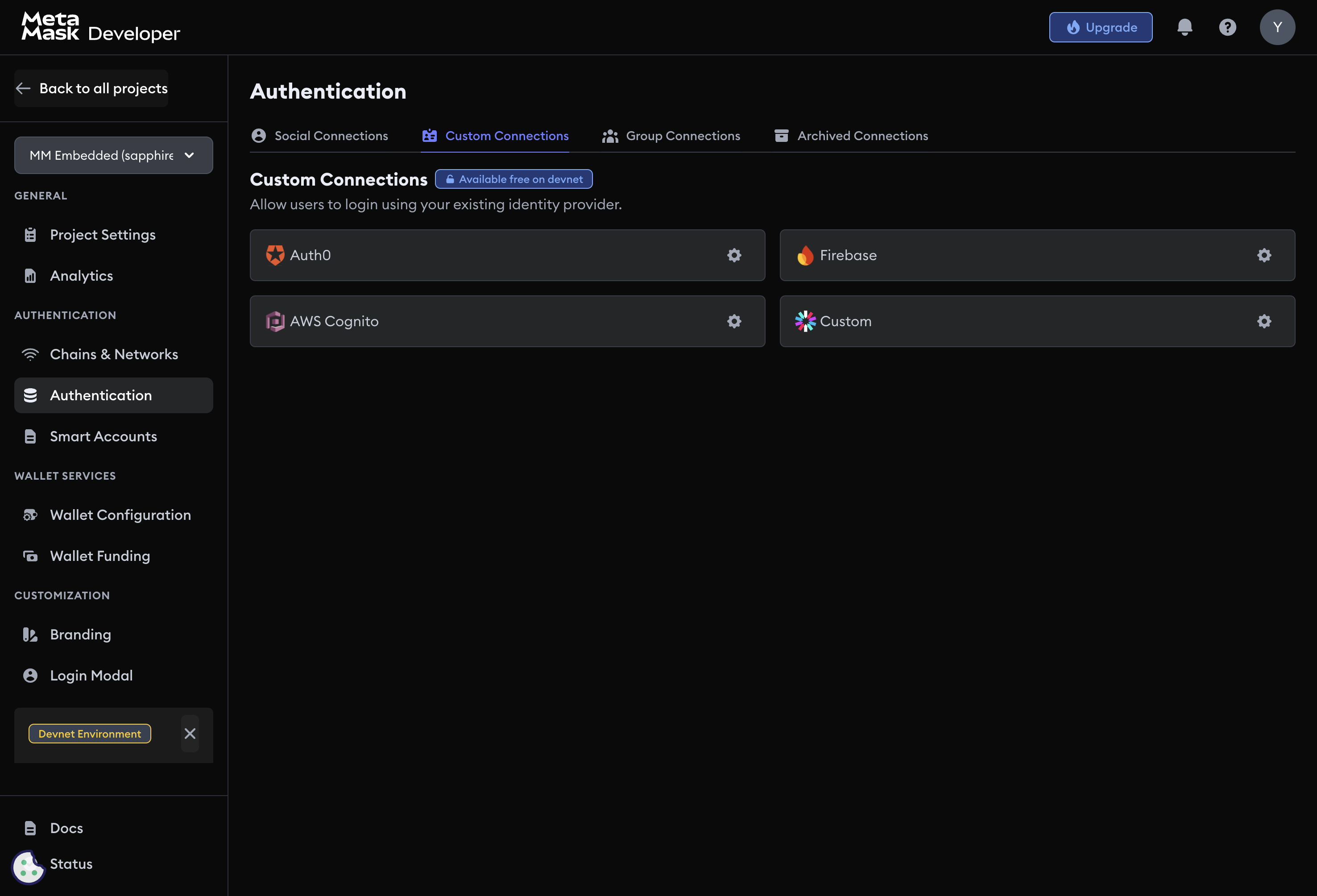
Custom connections let you integrate Embedded Wallets with third-party or self-hosted identity providers, so you can keep your existing authentication backend while adding non-custodial wallet access.




Group connections
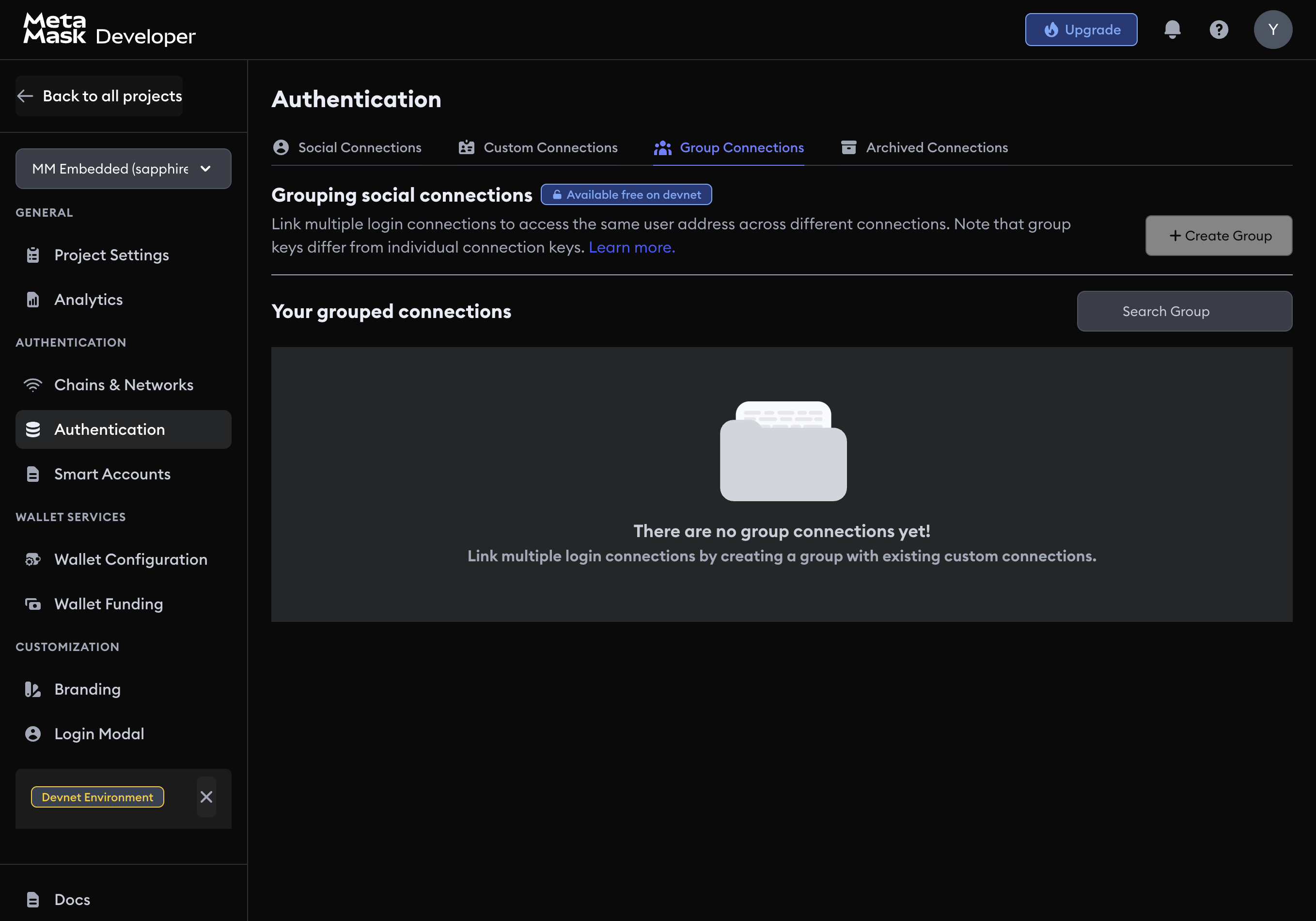
Group connections link multiple login methods to the same onchain user identity. Users who sign in with different providers (for example, Google and email passwordless) access the same wallet address.
Set up the individual connections you want to group before creating a group connection.

Group connections use separate keys from individual connections. Configure each member connection before creating the group.